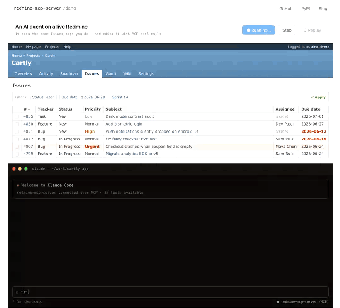
Bridge AI assistants and Redmine using a Model Context Protocol server
redmine-mcp-server, developed by Jztan, connects AI assistants to Redmine by presenting project data as callable MCP tools. The server enables natural language agents to query project content and perform searches against Redmine records. It provides file access and advanced search utilities exposed to agents. Developers, project managers, and DevOps teams who manage Redmine can use it to incorporate conversational agents into documentation lookup and automated query workflows. The design reduces manual navigation when retrieving tickets or documentation during AI-assisted sessions.
It implements the Model Context Protocol over Redmine's REST API
The server maps Redmine HTTP endpoints into MCP-style tools so agents can invoke project operations as functions. The mapping exposes issue operations, wiki pages, time entries, CRM endpoints, and attachments as callable actions. MCP-compatible agents such as Claude Desktop and Cursor can call those tools during a session, letting a language model request structured project data instead of scraping HTML or using raw REST calls.
It integrates with existing MCP hosts and requires a working Redmine installation
The server registers as an MCP service and interoperates with clients in the MCP ecosystem. It expects a Redmine instance with the REST API enabled and recommends Redmine version 5.x or newer. Connecting an MCP client requires network access between the client and the Redmine backend so agents can retrieve and post project information during interactive sessions.
It supports multi-user authentication and environment-based configuration
Authentication options include API Key or Basic Auth for single-account setups and OAuth2 for multi-user environments, letting organizations apply standard access control. Credentials and connection details can be supplied through environment variables at deployment. The project follows a NASCAR DevOps philosophy for protocol-driven integrations, and early MCP adopters note the implementation aligns with workflows that let automated agents operate within established project boundaries.
Practical for teams that can host and maintain a Python server
The server is a practical integration option for teams that can deploy and maintain an open-source service, since it requires a server-side Python environment and configuration. Expect to manage deployment, credentials, and updates as part of adopting the tool. For organizations with operations capacity, the server provides a direct path to introduce conversational agents into Redmine-backed workflows; teams without that capacity should weigh the deployment overhead.